Before you start
Create an RWX account and create or join an organization. Complete the account verification shown in onboarding so your trial credit is available. If your trial is waiting for verification, connect a supported version-control provider or use the support option shown on that page. This exercise clones a public repository. You can use it after trial activation without granting RWX access to one of your own private repositories. Check that Git is installed:1. Install the CLI and sign in
On macOS or Windows Subsystem for Linux, install the CLI with Homebrew: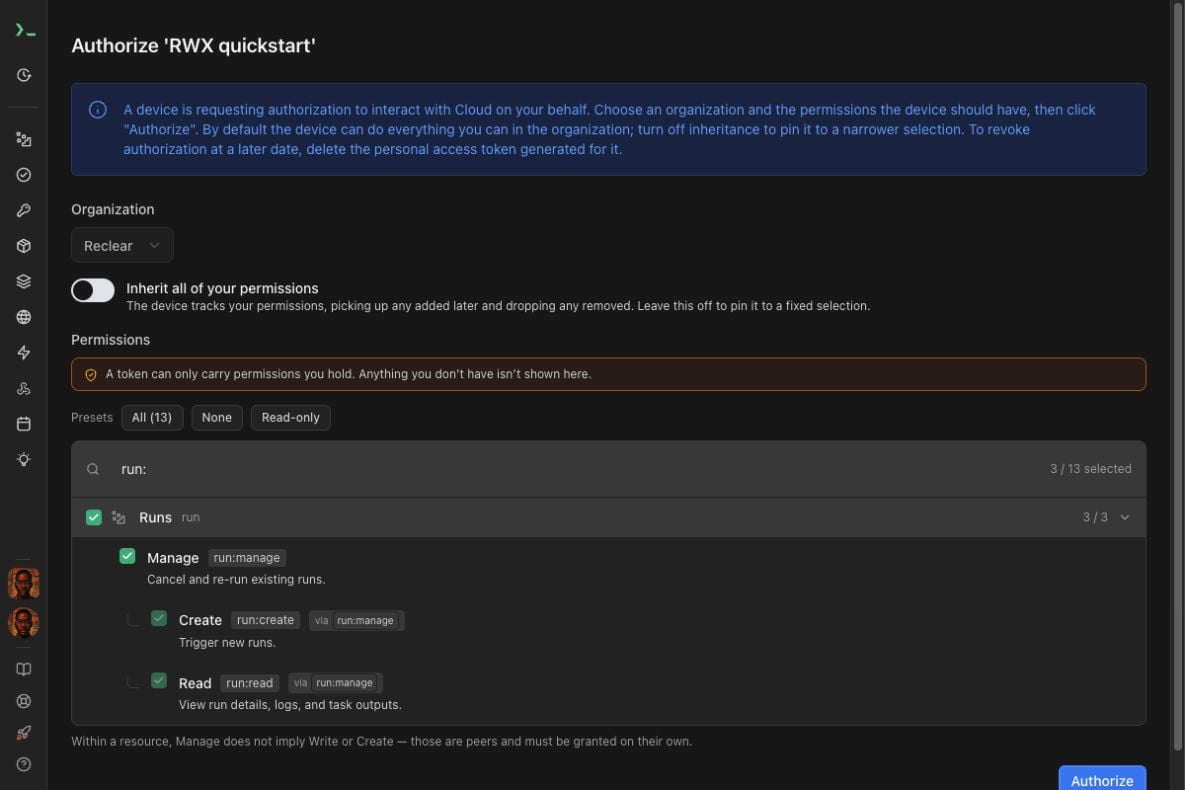
run: search filter.
Select Authorize, then return to your terminal.
Confirm the CLI is signed in:
2. Get the example project
Clone the public example and create a local branch at the version used in this exercise:rwx-quickstart for the rest of this guide.
3. Add the workflow
Create.rwx/quickstart.yml and paste in this complete definition:
code and node tasks prepare the project and runtime. npm-install uses
both. The lint and test tasks use that prepared environment and can run
independently.
Check the definition:
4. Run tests and lint in the cloud
Start the workflow and wait for its result:
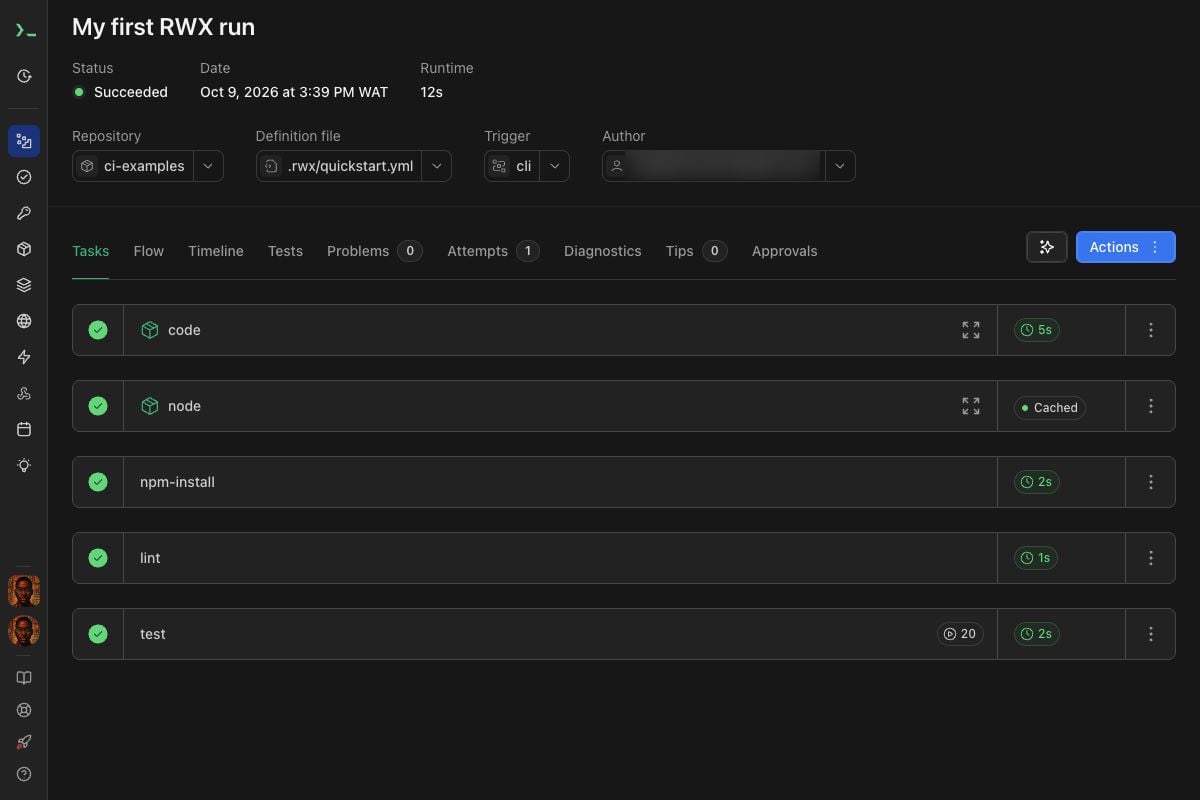
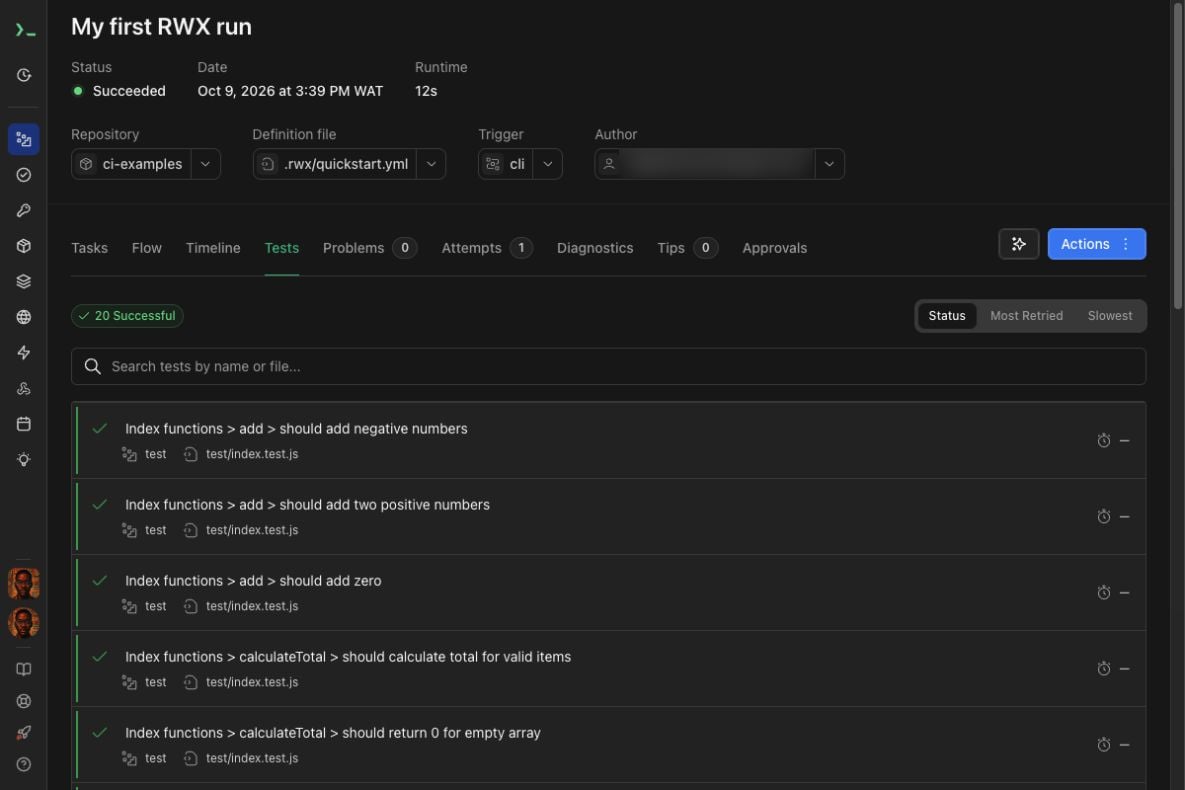
The run should show Succeeded. If RWX has already run a task with the same
inputs in your organization, that task may show Cached on this first run.
5. See the cache reuse
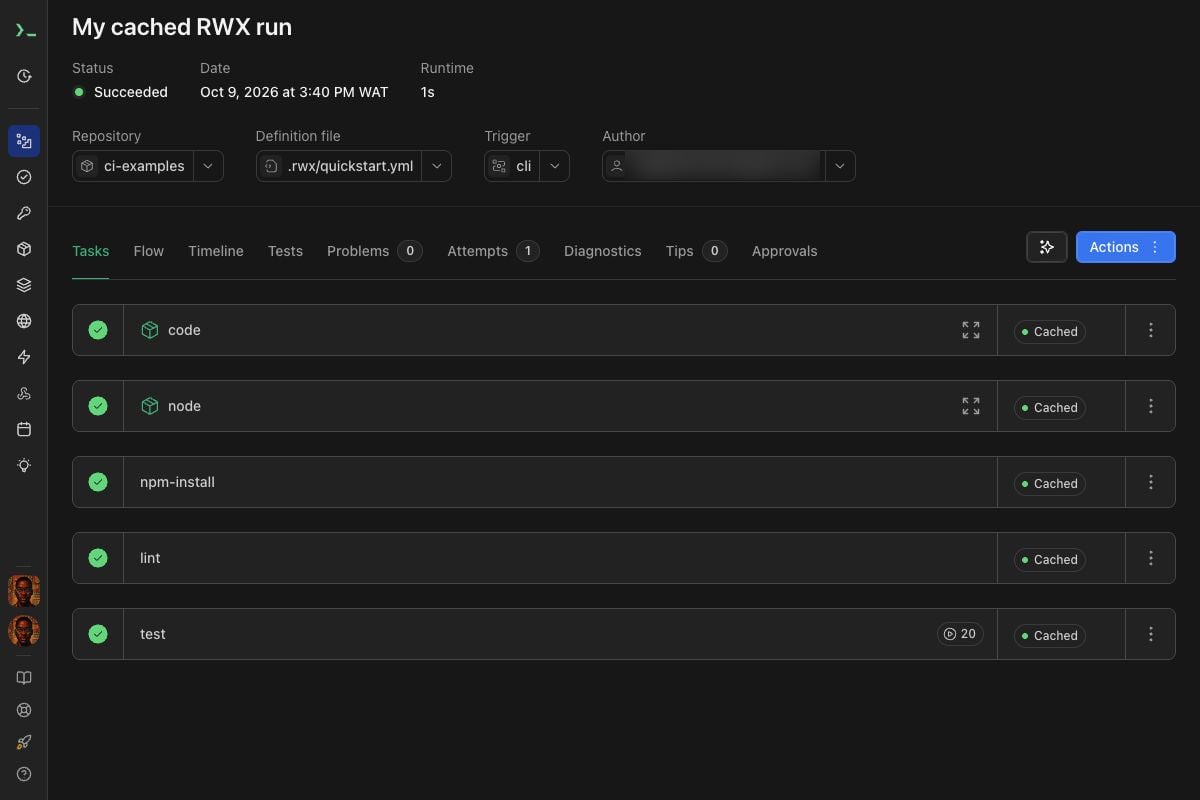
Run the same definition again without changing any files: